2026-09-23
How to Get Paid in USDC as a Freelancer
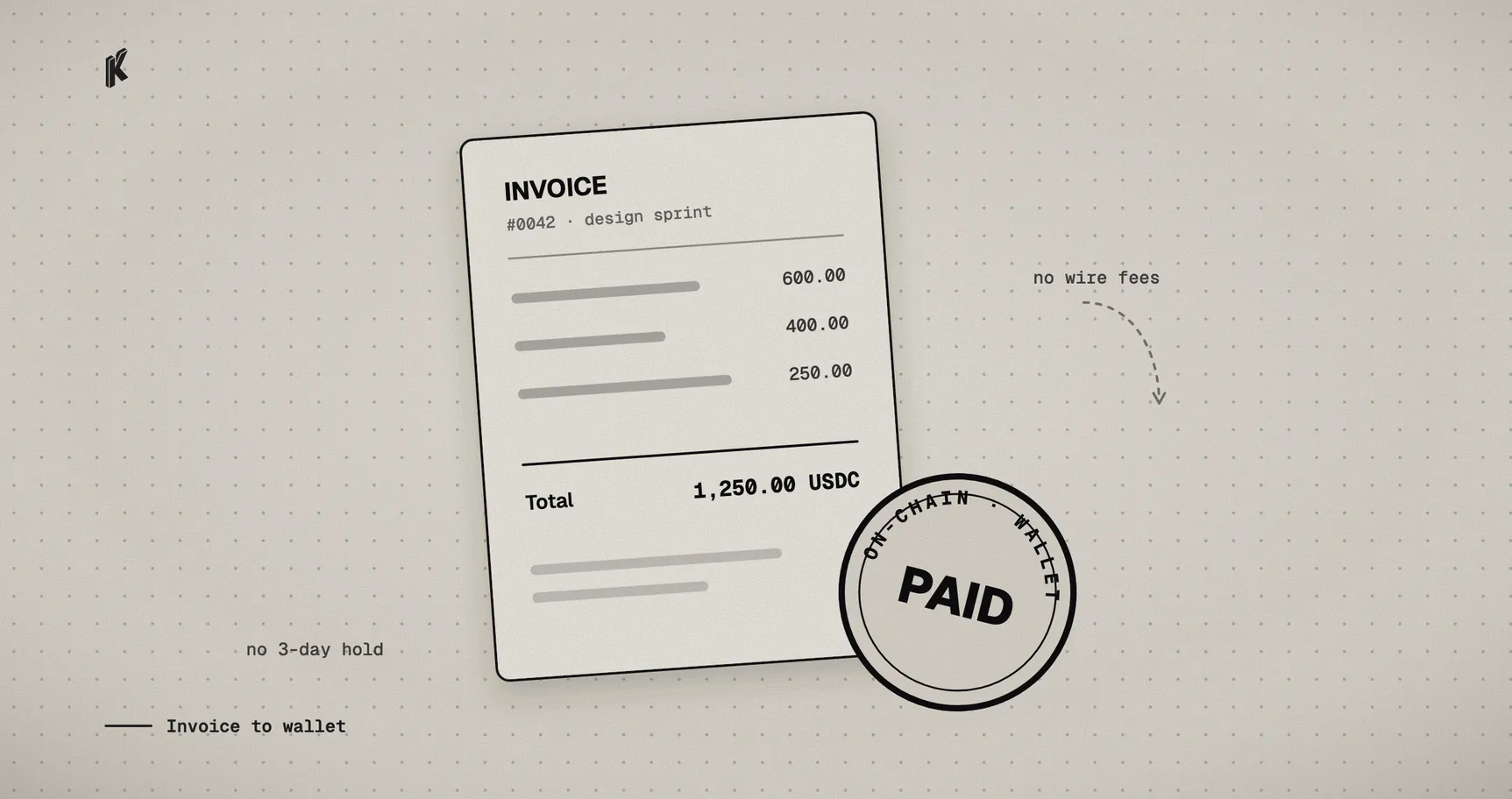
If you've ever invoiced a client on another continent, you already know the drill: a wire transfer that takes three to five business days, a cut taken somewhere between their bank and yours, and a support chat if anything about the routing details was slightly wrong. PayPal and Stripe fix some of that, and add their own version of it back — a percentage on every invoice, a hold on new or "unusual" payments, and account reviews that happen on someone else's schedule, not yours.
Getting paid in USDC skips most of that. USDC is a dollar-pegged stablecoin — one USDC is designed to always be worth one US dollar, so unlike getting paid in Bitcoin or another volatile asset, there's no exchange-rate math or hedging decision to make. You invoice for $500, you get paid $500. The rest of this post is the actual mechanics: what you need, how to send your first invoice, and what your client sees on their end.
What you actually need
Two things, neither of which costs anything to set up:
- A wallet you control. This is where your money actually lands — not a balance in someone else's app, an address you hold the keys to. If you don't already have one, MetaMask or Coinbase Wallet both work as a mobile app or browser extension and take a couple of minutes to set up. Write down the recovery phrase they give you and keep it somewhere safe — it's the only way to recover the wallet if you lose your device, and nobody, including Klappay, can hand it back to you if you lose it.
- A Klappay account, at app.klappay.com. This is where you create invoices and watch them get paid — no coding, no API key required to get started.
That's the whole prerequisite list. No business registration, no crypto exchange account, no separate "on-ramp" step.
Setting up
Sign up at app.klappay.com and you're walked through three short steps:
- Add your payout address — the wallet address from above. This is the only place your money ever goes. Klappay never holds it on your behalf, not even briefly.
- Send yourself a test payment. Before you invoice a real client, the onboarding flow has you pay a sandbox charge so you can see the whole loop — create, pay, confirm — with no real money involved. It's worth actually doing this step rather than skipping it; it's the fastest way to trust the system before your first real invoice depends on it.
- Done. You land on your dashboard, ready to create a real charge.
Sending your first invoice
From the dashboard, go to Charges → New charge. At minimum, you need two things: an amount, and which token/network to accept — pick USDC on Base unless you have a specific reason not to; it's the fastest and cheapest option for most clients. Everything else on that form (splitting the payment with someone else, an expiration time, extra notes) is optional and defaults to something sensible if you skip it.
Click Create charge, and you land on a page for that specific invoice with a payment link on it. That link is what you send your client — in an email, a Slack message, wherever you'd normally send an invoice.
Your client doesn't need a Klappay account to pay it. They open the link, see exactly what's being requested — the amount, in USDC, on Base — and pay from whatever wallet they already use: a browser extension, a mobile wallet via QR code, or by copying the address directly. There's no signup wall on their side.
What happens after they pay
Your dashboard updates in real time as the payment moves through its stages — detected on-chain, then confirmed. Once it's confirmed, the money is already in your wallet. There's no separate "request a payout" step, no waiting for a weekly batch, no minimum balance before you're allowed to withdraw. The chain settling the transaction is the payout.
If a client sends the wrong amount, or the payment doesn't arrive before the invoice expires, the charge simply reflects that — it won't silently mark itself as paid, and you'll be able to see exactly what did or didn't arrive on the charge's own page rather than having to reconstruct what happened from a bank statement.
A few honest caveats
Not every client is going to have a crypto wallet lying around, and pushing someone into setting one up mid-invoice is a bad way to get paid on time. Treat this as an additional way to get paid, not a replacement for whatever you already use — offer it to clients who are already comfortable with it, or who specifically want to pay this way, rather than making it the only option.
Getting paid in USDC doesn't change your tax situation — it's still income, and it's still worth keeping records of what you were paid, when, and by whom (your Klappay dashboard keeps that history for you). Talk to an accountant about how it should be reported where you live; that part genuinely varies and isn't something a blog post should tell you.
And a quick note on where this is headed: what's described above uses the same dashboard a business would use to accept payments generally. A more streamlined, freelancer-specific product for generating and sharing a single reusable payment link — no dashboard required at all — is in development. For now, app.klappay.com is the fastest way to send a real invoice and get paid directly.